


A city or county collection program, a retailer, or an e-waste recycler can be a practical place to start when you need to know where to recycle old laptops, depending on what each accepts near you. E-waste is unwanted electronic equipment collected for reuse or recycling rather than disposed of with regular household waste.
Your options may include municipal or county programs, retailer drop-offs, manufacturer take-back programs, and e-waste recyclers. A working computer may also be donated for reuse, which is different from recycling. The right choice depends on your location, the collection rules, and whether the computer still works. That check can save you a wasted drive and help keep useful materials out of the environment.
This page helps you compare collection routes, prepare your personal information, and handle a laptop battery responsibly. Check that a collection point accepts household laptops before making the trip.
Key Takeaways
- Check city or county programs for local drop-off sites and events.
- Retailer rules can limit the number or type of electronics accepted.
- Manufacturer take-back programs may offer mail-back options.
- Confirm that an e-waste recycler accepts laptops at its local site.
- Back up and securely erase personal information before drop-off.
- Keep lithium-ion batteries out of household garbage and municipal recycling bins.
Where to Recycle Old Laptops Near You
Your city or county solid-waste website is a useful first stop for nearby electronics collection sites and scheduled events. Local listings can help you find a nearby collection point without guessing which businesses accept old electronics.
Check each location’s laptop acceptance rules, event dates, and residency requirements before you go. Collection programs may serve only residents of a certain city or county, and event rules can differ from permanent drop-off sites.
Start with your city or county
Look for the solid-waste or recycling page on your city or county website. Search its electronics recycling information for drop-off locations, scheduled collection events, eligible devices, hours, and residency rules. A general list of recycling sites may not spell out whether laptops are accepted.
For free electronics recycling near you, check whether a municipal or county program has a no-cost event or site. Fees and eligibility depend on the program, so read the current instructions for the specific collection date and location.
You can also look for a local e-waste recycler through an R2 or e-Stewards recycler directory, or the recycler’s own website. R2 and e-Stewards are certification programs for e-waste recyclers.
Certification does not by itself confirm that a nearby location accepts laptops.
Contact the location’s current listing for laptop acceptance, delivery instructions, and hours.
Compare nearby collection routes
A manufacturer take-back program may be another option. Check the laptop maker’s support page for a take-back or mail-back program, then review its eligible brands, device condition rules, and shipping terms. Retailer pages can also show whether a store offers electronics recycling.
Acceptance can vary by location, so a store finder alone may not confirm that a store takes your specific item. For another example of how local take-back rules can differ, see this guide to retailer collection programs.
| Route | Where to start | How collection works | What to confirm |
|---|---|---|---|
| Municipal or county program | City or county solid-waste website | Local site or scheduled event | Laptop acceptance, event rules, residency |
| Retailer | Store recycling page | In-store drop-off | Item limits and accepted models |
| Manufacturer take-back | Manufacturer support page | Mail-back if offered | Eligible brands, condition, shipping terms |
| Certified recycler | R2 or e-Stewards directory or local recycler website | Confirm local delivery method | Accepted items and hours |
Home Depot’s laptop acceptance should be confirmed with the local store rather than assumed. Confirm the location’s laptop rules and hours before loading the device into your car.
Which Retailer Recycling Programs Accept Old Laptops?
A household can bring up to five laptops per day to Best Buy for free recycling, subject to its broader qualified-item limit. The combined limit is ten qualified recycled items per household per day. The exact products accepted can vary by store.
Best Buy electronics recycling remains an option for eligible household laptops, with limits on the total qualified items. The in-store program serves residents, not businesses or organizations.
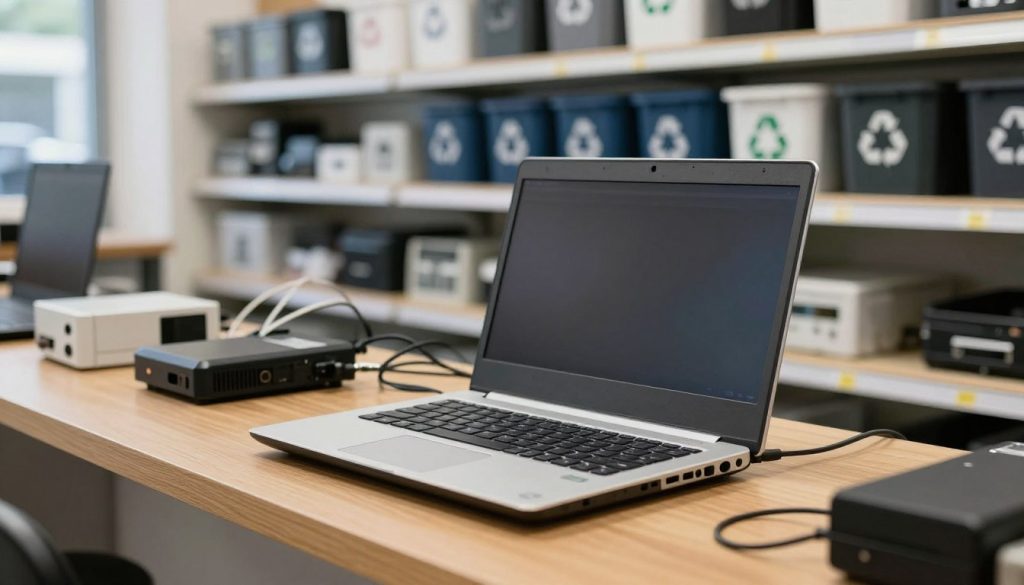
Best Buy’s laptop and electronics drop-off
Best Buy accepts laptops and netbooks for free, up to five per household per day. Its overall daily allowance covers up to ten qualified items, which may include up to five laptops, up to two TVs or computer monitors, and up to three other qualified items. Not every category is accepted at every store.
Best Buy Outlet stores do not accept electronics for recycling. California Outlet locations accept batteries for recycling, but that exception does not mean they take whole computers. Best Buy’s recycling program is a drop-off service, not a donation program for working computers.
Check the store’s recycling page for local participation details and the accepted products list. Store hours and item rules matter, especially if you plan to bring a desktop, monitors, or other electronics with the laptop.
Micro Center recycling and donation
Micro Center accepts laptops and desktop computers for recycling at no cost to individual consumers. Businesses and commercial users are not eligible for this consumer program. You can make an appointment or walk in, though you should check the local store’s hours and current instructions.
Working laptops and desktops may be donated through Compudopt at Micro Center. The store provides a blank tax receipt for the donor to complete; it does not promise that a donation qualifies for a tax deduction. Donation offers a reuse route for a working computer, while recycling handles devices that are no longer useful.
For broader context on finding a suitable destination for old electronics, this electronics reuse and recycling advice covers other discarded devices. Check that the exact store is a participating location and not a Best Buy Outlet before you go.
How to Prepare a Laptop Before Recycling
Back up any files you want to keep and sign out of personal accounts before handing over a computer. A few deliberate steps can protect your private information and keep access to email, cloud storage, and other accounts under your control.
Erase the storage drive with an appropriate secure method before drop-off. A factory reset is not automatically a secure erasure, and destroying the whole laptop is not necessary to prepare it for recycling.
Use this checklist to prepare old devices without damaging equipment that can still be recycled:
- Back up files you want to keep to a separate drive or trusted storage account.
- Sign out of operating-system, email, and cloud accounts on the laptop.
- Erase the drive using a secure method suited to its operating system and storage type.
- Confirm whether the chosen collection point offers a service you plan to use.
Protect files and account access
Open your backup before erasing the original files. Check that key documents, photos, and other information are present and readable. A backup that has not been tested may not help if the old computer fails later.
Sign out of accounts and remove the computer from account lists when the service offers that option. This step can help prevent account access from remaining tied to a device you no longer use. Save any recovery keys or passwords you may need for other computers.
Use the erase method recommended for your operating system and drive. A quick reset can reinstall software without securely removing every trace of stored information. If you cannot confirm that the drive has been erased, ask the collection provider whether it offers a relevant service.
Wipe or remove the storage drive
Wiping a drive leaves it inside the laptop; removing it takes the drive out of the computer. Either approach may protect stored information, but neither makes the remaining laptop suitable for household garbage. The device can still contain a battery and recyclable materials.
Best Buy accepts hard drives and devices that contain hard drives for recycling. Customers can wipe or remove data themselves, or ask Geek Squad about hard-drive removal services. Ask about the service at the specific store before relying on it.
Micro Center requires customers to erase hard-drive data before drop-off. Its data-transfer or erasure services are available by appointment and are not part of its recycling service. Plan for that requirement separately from the recycling drop-off, especially if you need help moving files.
Do not physically destroy the whole computer to protect your data. A damaged laptop may be harder to handle, while a secure erase or appropriate drive removal addresses the stored information. Keep a separate backup and confirm that it opens before erasing the original drive.
How to Handle Laptop Batteries and Disposal
A laptop containing a lithium-ion battery belongs at a separate battery or household hazardous-waste collection point, not in household trash or a municipal recycling bin. A removed lithium-ion battery needs the same separate handling.
Keep the battery and any device containing it out of household garbage and municipal recycling bins. Before transport, reduce fire risk by preparing the battery or laptop as the collection point instructs.
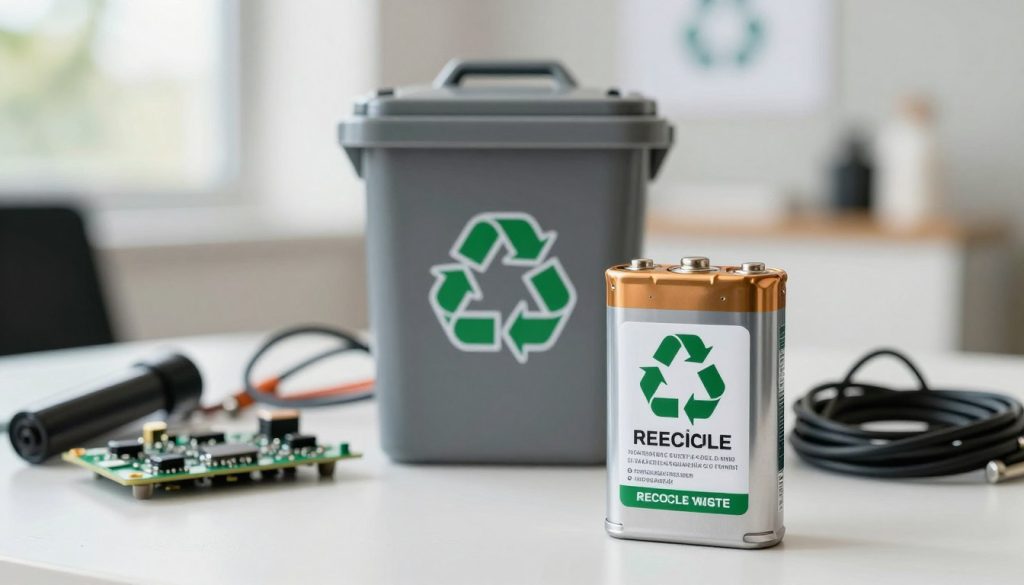
- Keep the battery or battery-containing device separate from household trash and municipal recycling.
- Place the battery or device in a separate plastic bag.
- Cover exposed battery terminals with non-conductive tape.
- Bring it to a separate battery or household hazardous-waste collection point.
Local collection rules can differ, so confirm the accepted item and handling instructions with the collection point.
Some collection points take whole laptops with batteries, while others may direct you to a separate battery drop-off. A damaged or swollen battery may have special handling instructions, so describe its condition when checking the site’s rules.
Do not place loose batteries in a mixed recycling bin or leave a device loose among household waste. Keep the prepared item separate during transport, and follow the collection point’s instructions for where to leave it. If you are unsure which collection point accepts the battery, confirm its instructions before transporting it.
Conclusion
A responsible next step is to choose a nearby collection point that accepts your laptop and its battery. The right route keeps usable materials in recycling or reuse channels and helps protect your personal information.
Check your city or county solid-waste website, or the chosen e-waste recycler’s current acceptance rules. Make sure the site accepts the laptop itself and tells you how to handle its battery. Check the collection point’s current rules, then set aside the prepared laptop for drop-off.


 By
By

 By
By By
By
 By
By