
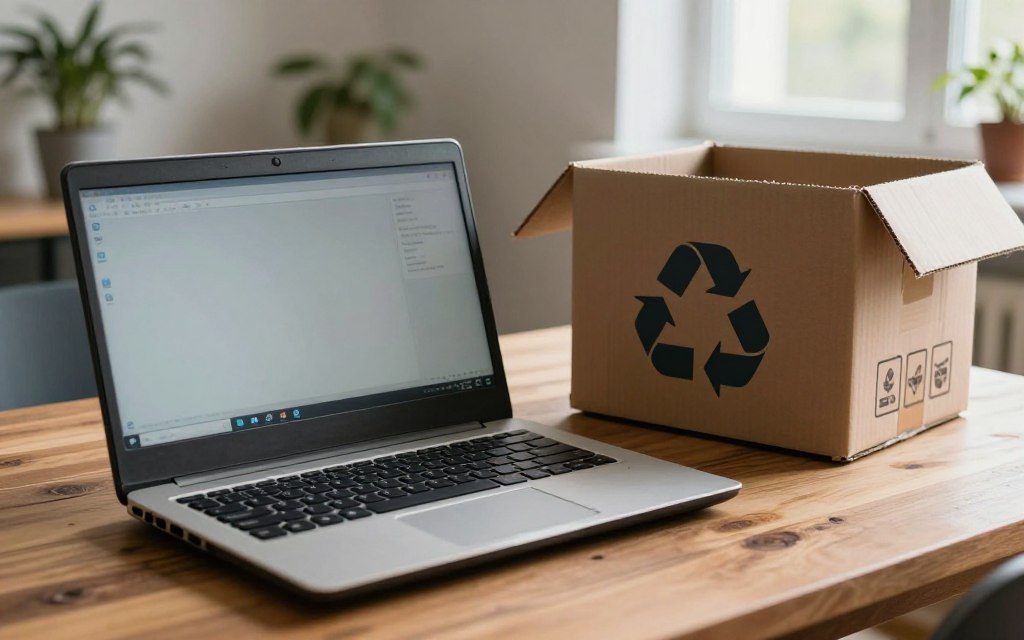

An old laptop can often be repaired, passed on, or recycled, but it needs a few checks before it leaves your hands. Your route may depend on whether the machine works, whether you want to sell it, and how you want to protect your personal data. WEEE means waste electrical and electronic equipment, including items with a plug, battery, charging need, or crossed-out wheelie-bin symbol.
This five-step route helps you handle unwanted tech with care. It covers reuse, data removal, preparation, and handoff under UK recycling rules. You can repair, donate, resell, or recycle the machine, based on its condition and your priorities. A safe handoff starts with choosing the right route for the device and keeping your personal information in mind.
Key Takeaways
- Check whether the laptop can be repaired or reused.
- Back up wanted files before clearing personal data.
- Keep removable batteries out of mixed recycling.
- Use a suitable electrical recycling or reuse route.
- Confirm that the receiving point accepts laptops.
How to Recycle Old Laptop UK: Step 1, Choose the Best Route
If the laptop still works, repair, donation, or resale can keep it in use instead of sending it straight to recycling. Working condition matters, but age, model, and repair needs can also shape the best choice. An estimated 31 million unwanted laptops sit idle in homes across the UK.
A usable laptop may have more value through reuse than through scrap. A repair can extend its life, while a donation may help someone who needs a computer. Your choice can also depend on how much time you can spend getting it ready.
A cash return is possible through some resale or trade-in routes, but no scrap amount is guaranteed.
Repair or donate a working laptop
A repair can make sense when a fix costs less than replacing the machine and restores useful functions. Ask a repair shop to assess faults such as a worn keyboard, slow storage, or a damaged charging port.
Some charities accept computers for reuse, while others focus on equipment that meets set needs. Computers 4 Charity and The Turing Trust are examples of organizations to check. Neither is guaranteed to accept every laptop, so review its current rules before arranging a donation.
People looking to recycle old computers for charity near them can check local charity pages and community reuse groups. A local organization may accept a computer, refer you elsewhere, or decline it based on its age and condition.
Sell a laptop that still has value
A private sale or trade-in can bring money for a laptop that still works. The offer depends on its condition, age, model, and the buyer. Compare quotes and terms for your exact device, including any fees or return rules.
Recycling an old laptop for cash is possible through some resale or trade-in routes. No buyer can be named as paying the most without comparing current offers. Compare the effort and likely return with the benefit of getting a usable device to someone else.
Step 2: Back Up and Securely Erase Personal Data
Deleting files or formatting a drive does not, by itself, ensure that personal data is unrecoverable. Secure deletion needs a method suited to whether you plan to reuse the storage. As of 2026, freely available software can recover data after a drive is formatted.
Formatting alone is not a secure wipe. Back up files you want to keep, then sign out of accounts and empty the recycle bin. Deleting a file also requires emptying the recycle bin, as of 2026.
Wiping storage you plan to reuse
Use secure-wiping software to overwrite data one or more times. This can leave the storage media ready for reuse. A factory reset returns a device to its original state, but its security depends on whether the maker built in a secure wiping stage.
- Back up wanted files.
- Sign out of accounts.
- Empty the recycle bin.
- Securely wipe the storage.
This checklist covers files held on the laptop, not data stored online. Wiping a computer cannot remove cloud or remote data, so contact the provider for account and storage options.
Handling a device that will not start
A device that will not turn on may still contain personal data. As of 2026, the storage could remain accessible even when the laptop itself cannot start.
If you cannot erase the drive and plan to reuse the machine, ask a repair professional about the storage. Physical destruction makes the media unusable, so it prevents storage reuse. UK household waste disposal rules also matter when choosing a lawful route for the rest of the equipment. Choose physical destruction only when you are willing to make the storage media unusable.
Step 3: Prepare the Laptop, Battery, and Accessories
Before packing anything, separate removable batteries from the laptop and keep them out of mixed recycling. Battery safety matters because removable battery packs can pose a fire risk when mixed with other recycling.
Do not put electrical equipment in the household waste bin. WEEE includes items with a plug, battery, charging need, or crossed-out wheelie-bin symbol. A laptop and its accessories need a suitable electrical recycling route.
Remove memory cards and any battery you can take out safely and practically. Do not force a sealed battery from its case. Keep a removable battery separate from mixed recycling and use the right battery-recycling stream.
- Remove memory cards.
- Separate a removable battery.
- Collect the charger.
- Gather cables and accessories.
Chargers, mice, and cables are electrical items too. If you want to recycle old cables in the UK, take them to a local electrical recycling point or a retailer that accepts electrical accessories. Check what that location takes before traveling.
Bag the laptop and its accessories together for transport, but keep a removable battery in the appropriate battery-recycling stream.
Step 4: Find a UK Laptop Recycling Point
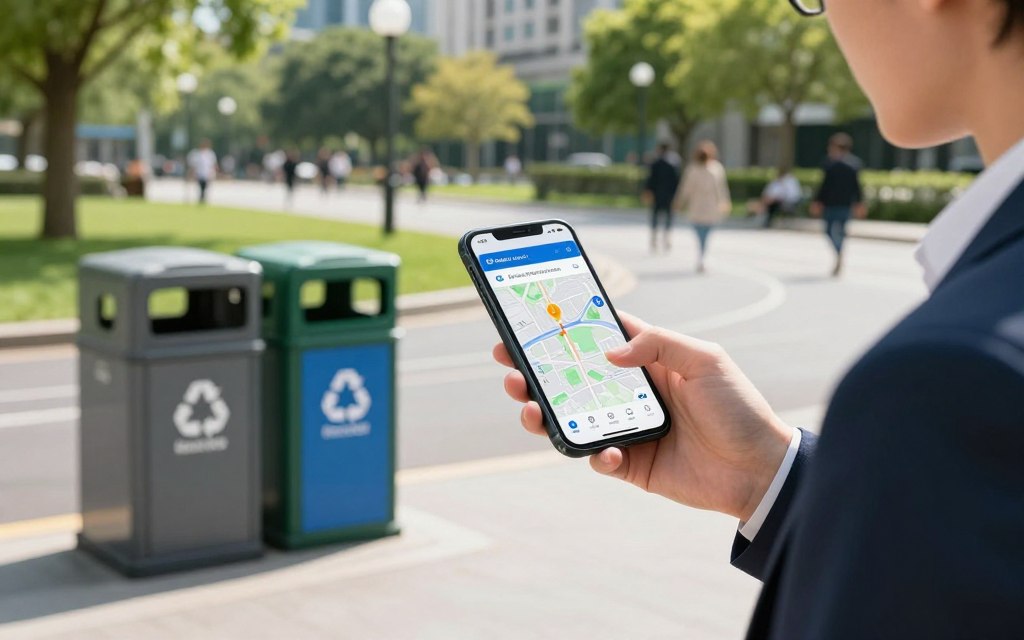
A postcode-based electrical recycling locator is the quickest starting point for finding nearby drop-off options. Your postcode helps narrow the results to places you can reach. More than 22,000 retailer recycling points operate across the UK, and almost 30,000 UK locations are listed for repair, donation, or recycling.
Finding a nearby recycling point depends on your postcode. Start with your town or postcode, then check the details for the specific location. Your council’s Household Waste Recycling Centre information can show local options and rules.
Use an electrical recycling locator, visit your council website, or contact a nearby retailer. These routes can lead to donation, reuse, or recycling points, but acceptance rules differ. The UK government advises checking council details for local waste and recycling options.
| Finding route | What it helps locate | Check before going |
|---|---|---|
| Electrical recycling locator | Nearby donation, reuse, or recycling points | Confirm the point accepts laptops |
| Council website | Local Household Waste Recycling Centres | Check opening and acceptance details |
| Retailer inquiry | A store’s electrical take-back option | Confirm whether it accepts an item without a new purchase |
Some listings cover repair or donation, not just recycling. A point may have limits on laptop size, condition, or accessory types. Check its current acceptance details before you set out.
Finding a recycling point near you is postcode-dependent, so use your town or postcode as the practical starting detail. Confirm that the chosen point accepts laptops before making the trip.
Step 5: Hand It Over or Arrange Collection
A retailer must help with disposal when you buy a replacement laptop or computer, while some larger stores also take old electricals without a purchase. Take-back terms can differ by store and branch, so check before you travel.
Retailers must help dispose of an old machine when you buy a replacement with the same function. A council recycling centre is another handoff route. Some private collection services may charge, so check the terms before booking.
| Handoff route | What to expect | Confirm first |
|---|---|---|
| Retailer when buying a replacement | Retailer must help dispose of the old machine | Ask how to hand it over |
| Larger retailer without a purchase | Some stores accept old electricals | Confirm the branch accepts laptops |
| Council recycling centre | Computer equipment can go to recycling centres | Check local acceptance and opening details |
Old laptop recycling in the UK may be free through some routes, but fees and collection terms vary. Confirm charges directly rather than assuming drop-off or pickup will cost nothing.
Retailer take-back schemes do not all accept the same items. For example, the Boots recycling scheme covers eligible beauty and healthcare packaging, not laptops.
- Confirm laptop acceptance.
- Confirm any fee or collection charge.
- Keep any handover receipt or confirmation.
Check the receiving point’s acceptance and fee details before you hand over the device.
What If the Laptop Is Broken or Decades Old?
A laptop does not need to power on to be eligible for a recycling route. Broken equipment can go through an electrical recycling route, even if it cannot run programs or connect to the internet.
Check for repair or reuse first, then use a recycling centre if neither is practical. Some faults are repairable, while equipment with major damage may not be useful to a charity or reuse group.
A laptop that is broken or will not power on
A repair shop can assess whether a fault is limited to a part, such as the screen or charger. If the repair is not practical, use a recycling point that accepts computer equipment. Computers can be taken to recycling centres, even when they no longer work.
Some charities require donated equipment to be in good working order. Other groups have technicians who can repair a computer before reuse. Check the group’s condition rules rather than assuming every broken laptop can be donated.
A 20-year-old computer
Age alone does not stop a 20-year-old computer from going to a recycling centre that accepts computer equipment. Its age may make donation less likely, but each charity sets its own requirements.
A local reuse group may still want an older machine if it can repair it or use its parts. If the computer cannot serve anyone, a recycling centre is the direct option. If donation is not suitable, use a recycling centre that accepts computer equipment.
Why Does Responsible Laptop Recycling Matter?
Formal collection matters because most e-waste generated worldwide in 2022 was not formally collected and recycled. Formal routes help keep electrical items out of general waste and send them to suitable reuse or recycling processes.
The world generated 62 million tonnes of e-waste in 2022, and only 22.3% was formally collected and recycled. Those figures show why a laptop should not go into household waste. Collection gives its parts a chance to enter a managed process.
Up to 75% of materials in old electrical items can be recycled into new products. Recovered metals and plastics may help make medical equipment, bicycles, or new computers.
Not every laptop or material becomes a particular product. The outcome depends on what the device contains and how it is processed. Reuse can also keep a working computer in service for longer before its materials need recovery.
Sending equipment through a suitable reuse or recycling route keeps recoverable materials in circulation.
A responsible route gives useful parts and materials a better chance of returning to use instead of becoming waste.
Conclusion
The right next step is the one that protects your personal data and keeps the device in use or in a proper recycling stream. Repair or reuse suits a laptop that can still serve someone. Recycling is the responsible route for equipment that cannot.
Choose based on condition, your priorities, and the receiving point’s rules. A working machine may help another user, while a broken one can still enter an electrical recycling route.
Back up anything you need, then choose a local reuse or recycling route and confirm its acceptance terms.


 By
By By
By
 By
By


 By
By