

Most people can pass on an unwanted laptop through a nearby store collection point, while businesses may need a scheduled pickup. The right choice depends on who owns the equipment and how many devices need handling. Before any handoff, protect personal information stored on the computer.
E-waste means discarded electrical and electronic equipment that needs a designated collection or recycling route. Household store collection, or in-store recycling, works for eligible personal devices. Businesses often need IT asset pickup for larger inventories. Preparation matters, since a recycling handoff does not replace your own data-protection steps.
You can use this guide to choose a route for electronics such as laptops and desktops. It explains how to check a store program, arrange business pickup, and prepare a computer before collection. A simple decision rule is to match the route to whether the equipment is a personal household item or a business asset.
Key Takeaways
- Use a store drop-off for an eligible household computer.
- Ask about business pickup for a company inventory.
- Back up personal files before handing over a device.
- Check local rules before taking extra electronics to a store.
- Keep the handoff record with your device details.
Where Can I Recycle My Laptop for Free?
For an eligible household laptop, Best Buy offers free in-store recycling with a five-laptop daily limit. The program serves residents, not businesses or organizations. Best Buy accepts eligible computers regardless of where you bought them.
Store rules can shape the trip, especially when you plan to bring more than one item. Its program accepts up to 10 qualified recycled items per household each day at most stores, with lower limits for some product categories.
Best Buy for eligible household laptops
Best Buy recycling includes eligible laptops, even when another retailer sold them. The daily five-laptop limit sits within the broader 10-qualified-item limit, not on top of it. A recalled product subject to a CPSC recall is not accepted.
Qualifying monitors cost $29.99 each, and each household can bring up to two per day. Those limits matter if a laptop handoff also includes a monitor. Some other product types have separate limits or fees.
Best Buy’s in-store recycling is for residents, not businesses or organizations, and it excludes products subject to a CPSC recall.
The store’s laptop service is one household option, but other chains take some computers too. Confirm whether the branch accepts your device and how it counts other items.
Other store drop-offs
Staples accepts laptops and MacBook computers for in-store recycling. It charges $9.99 per printer or multifunction device. Battery recycling costs $2.99 per visit, except in California, Connecticut, Illinois, North Carolina, New Jersey, New York, Pennsylvania, and Rhode Island.
These fees can matter when you bring a laptop with office equipment or batteries. Staples’ printer and battery fees differ by item, and its battery rule excludes eight states.
Micro Center accepts laptops and other electronics from individual consumers, not for business or commercial use. Its recycling service is free, with appointments or walk-ins. Check the branch’s current appointment options before setting out.
| Program | Laptop access | Additional useful condition |
|---|---|---|
| Best Buy | Eligible computers, including laptops, regardless of purchase location | Free; five laptops per household each day |
| Staples | Laptops and MacBook computers in-store | $9.99 per printer; $2.99 per battery visit except in eight states |
| Micro Center | Laptops and other electronics | Free for individual consumers; appointment or walk-in |
Check local access before driving
Retailer location tools and local waste collection information can help you find electronics recycling near me. For a free electronics recycling near me option, check which items the local program accepts and whether limits apply.
A nearby branch may have rules that differ by item type or quantity. Ask about the laptop model, any extra equipment, and the total item count before leaving home.
Call the selected branch with the laptop type and item count in hand if its acceptance rules are unclear.
Can a Business Arrange Laptop Recycling Pickup?
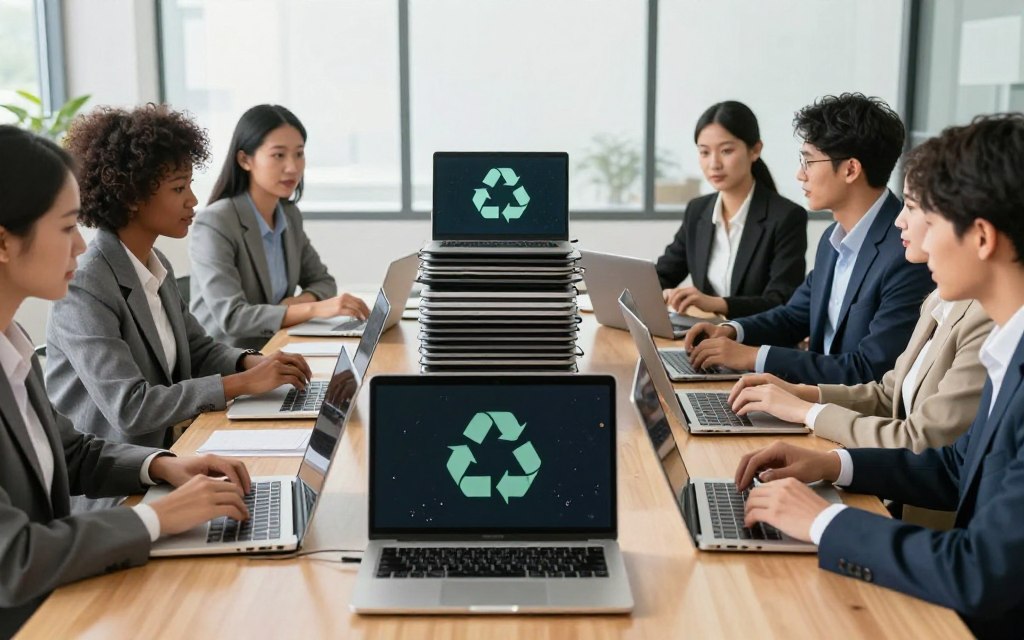
Businesses can arrange nationwide laptop and electronics pickup through Green Century Recycling, which offers service across all 50 states. Its service includes business electronics pickup, secure data destruction, and electronics recycling. Confirm pricing and availability with the provider before booking.
A business pickup can suit an office refresh or a larger equipment inventory. Green Century Recycling operates under R2v3, ISO 9001, ISO 14001, and ISO 45001 standards. These standards give your team points to check when evaluating a recycler, not a guarantee about a specific result.
Nationwide pickup for business inventories
Green Century Recycling offers nationwide pickup across all 50 states for business electronics. This can give companies a business-focused route when store programs do not fit their equipment or ownership type.
Its nationwide e-waste pickup service includes secure data destruction. Ask what method the provider will use, which devices it covers, and how the service fits your company’s security rules.
Standards such as R2v3 and the ISO certifications can help frame your review. They do not replace a clear written scope for the work at your site.
What to put in a pickup request
A detailed request helps the provider understand the inventory and your site needs. Include these four points when you ask for service:
- Equipment types and estimated quantities.
- Pickup address and site contact.
- Requested data-destruction service.
- Asset-reporting and certificate requirements.
Green Century Recycling provides detailed asset reporting and a certificate of recycling after its pickup and data-destruction process. State what details your team needs, such as the records used to track the collected equipment.
Asset reporting can support internal records, but your request should say which fields or documents you expect. Ask whether the certificate covers the full pickup or only the items processed through the service.
The Green Century electronics recycling service offers a business pickup option, while price and scheduling depend on the provider’s offer. Keep the scope clear when you compare a recycling service quote with your needs.
Confirm the pickup window and site-access contact in writing before collection is scheduled.
How Should I Prepare a Laptop Before Recycling?
The safest handoff starts with a verified backup and a deliberate data-erasure choice, not with smashing the case. You can protect personal files by backing them up, signing out, and using a secure erase process. Do not leave personal data on a device by default.
Choose the steps that fit your laptop and the collection route. Use this four-step checklist before handing it over:
- Back up your files, then open the copied files to verify the backup.
- Sign out of accounts and remove saved passwords or other credentials.
- Run the device’s available erase or reset process.
- Decide whether to remove a drive or use a data-destruction service.
Back up files and sign out
A backup should hold the files you still need, not just show that a transfer started. Check several copied files before wiping the original. Then sign out of email, cloud storage, and other accounts on the device.
Saved credentials can give someone access to accounts after the computer leaves your hands. Remove stored passwords and unlink the device from accounts when its settings allow it. The exact menu names vary by operating system.
If a reset tool asks whether to erase data, read the choice before you confirm it. Keep the backup until you know the files open on another device.
Erase or remove the drive
Best Buy leaves wiping or removing a recycled hard drive to the customer’s discretion. You can consult Geek Squad about removing a laptop or desktop PC hard drive before recycling. Micro Center offers data transfer and erasure services by appointment, but its recycling terms place pre-handoff erasure on the customer.
Physical destruction is not the default for a laptop headed to recycling. Use secure erasure or a trusted data-destruction service instead. Reserve physical destruction for a specific security requirement that calls for it.
A removable drive may need separate handling if the device’s erase function does not meet your needs. Check that the chosen method covers the information you need to protect, rather than assuming a factory reset meets every security standard.
If you remove the drive, arrange a separate secure-destruction route rather than leaving it unsecured at home.
What Happens After a Laptop Is Collected?
After collection, the recycling partner determines whether a device can be repaired, repurposed, or recycled. The path depends on the condition and use of the equipment. Not every collected laptop follows the same route.
Best Buy’s recycling partners assess electronics for possible repair, repurposing, or recycling. A device may be suitable for a next use, while another may go through materials recovery. Collection alone does not promise a specific outcome for your computer.
A collected device may be repaired, repurposed, or recycled, depending on the recycling partner’s assessment.
Recycling and donation are different routes. Recycling focuses on handling equipment and its materials; donation programs accept devices that meet their requirements for another user.
A working computer may fit a donation program, but acceptance depends on the program. Micro Center works with Compudopt on donations of working desktop and laptop computers. That partnership does not mean every donated computer will be refurbished or reused.
Consider donation when the computer works and the program accepts its type and condition. A laptop that does not qualify may still have a recycling route through an appropriate collection program.
Material recycling can involve sorting and processing parts for reuse as raw materials. Plastic recycling, for example, may sort and clean plastic before turning it into flakes or pellets. That example describes plastics, not a guaranteed process for laptops.
For a broader look at how sorting can support reuse, see this guide to preparing plastic for recycling. Its steps apply to plastic waste, not to the handling of a laptop or its data.
Keep the handoff receipt with the device details and date for your records.
Conclusion
Choose a nearby household drop-off for one personal laptop, or request a pickup quote for a business inventory. A nearby store can suit an eligible household computer, while a scheduled IT asset pickup can fit company equipment.
For a business pickup, request a quote and confirm the data-destruction scope and collection schedule before booking.

 By
By
 By
By

 By
By
 By
By