

An unwanted laptop can be kept out of household waste and handled safely by preparing it before choosing a UK reuse or recycling route. If you are working out how to recycle old laptop UK, start with your personal data, not the collection point. A few careful steps help you pass the equipment on with confidence.
WEEE means Waste Electrical and Electronic Equipment, the category for items with a plug, batteries, charging needs, or a crossed-out wheelie-bin symbol. Laptops fall into this waste category, so they need a suitable route rather than a household bin. The order matters: protect your files before deciding what happens to the device.
Key Takeaways
- Protect personal data before handoff.
- Prepare the device before choosing a route.
- Keep reusable equipment in service when suitable.
- Check local acceptance before setting out.
- Keep the laptop until you have confirmed that its personal files are protected.
How to Recycle Old Laptop UK Safely
Before handing over a working laptop, save the files you need and sign out of accounts you will not want left on the device. Personal data comes first, before any computer changes hands.
Deleting files or using a quick format does not securely erase data. Erase every drive that holds your files before handoff.
Deleting files and quick formatting do not securely erase a drive, so use a full erase process before recycling.
Back Up, Sign Out, and Remove Accessories
Use this checklist to prepare the computer and its accessories:
- Back up wanted files to storage you control.
- Sign out of accounts, including email and cloud services.
- Remove memory cards from the laptop and any card reader.
- Remove the battery if it is designed to come out.
Cables are electrical items, so take unwanted chargers and leads to an electrical recycling point. Check local acceptance before travelling, since not every point takes every item.
Erase Windows and Mac Drives
On a working Windows PC, open Settings, choose System, then Recovery and Reset this PC. Select Remove everything and turn on Clean data when prompted. This can take longer, but it makes recovery of deleted files harder.
The Windows reset covers only the Windows drive. On supported Mac models, choose Erase All Content and Settings and follow the onscreen steps. Check for a second internal drive before treating the Windows reset as a complete erase.
Where Can You Drop Off a Laptop in the UK?
A UK-postcode electrical recycling locator is a practical way to find nearby drop-off options. Check the postcode first, then confirm what the location accepts and whether there is a charge. Electrical items should go through designated recycling routes, not household waste bins.
Local recycling centers accept computer equipment, and some out-of-home points take computers, laptops, tablets, and monitors. More than 22,000 retailer recycling points operate across the UK; some larger stores accept old electricals without a new purchase.
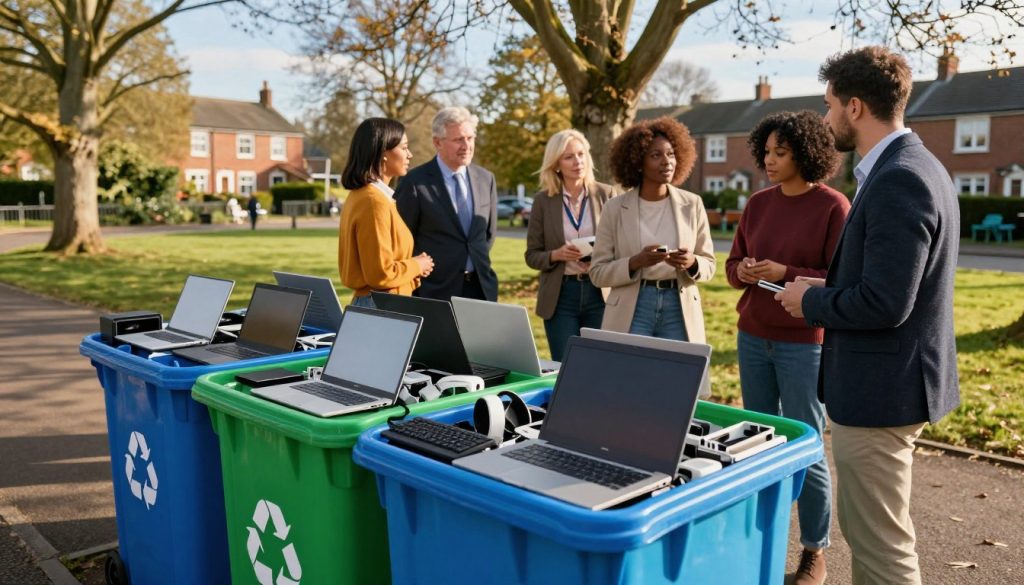
Retailers must help dispose of an old computer when you buy a replacement. Almost 30,000 UK locations offer repair, donation, or recycling, a broader total that includes more than retailer points.
| Route | What it can take | What to check |
|---|---|---|
| Local recycling center | Computer equipment and related electricals | Check local acceptance |
| Retailer take-back | An old computer with a replacement purchase, or acceptance at some larger stores without a purchase | Ask the store about its process |
| Donation point | Working or repairable equipment | Confirm the charity’s condition requirements |
To find nearest options and recycle an old laptop near you in the UK, use a postcode locator alongside local authority and retailer information. For free disposal, check those same options and confirm accepted items and any charges before setting out; free acceptance is not guaranteed at every location.
About 75% of materials in old electrical items can be recycled into new products. Keep electrical waste out of household bins: hidden batteries can spark fires when crushed in waste or recycling vehicles and centers.
Separate a removable battery from the laptop and follow the battery collection instructions at the chosen location.
Should You Repair, Donate, Sell, or Recycle an Old Laptop?
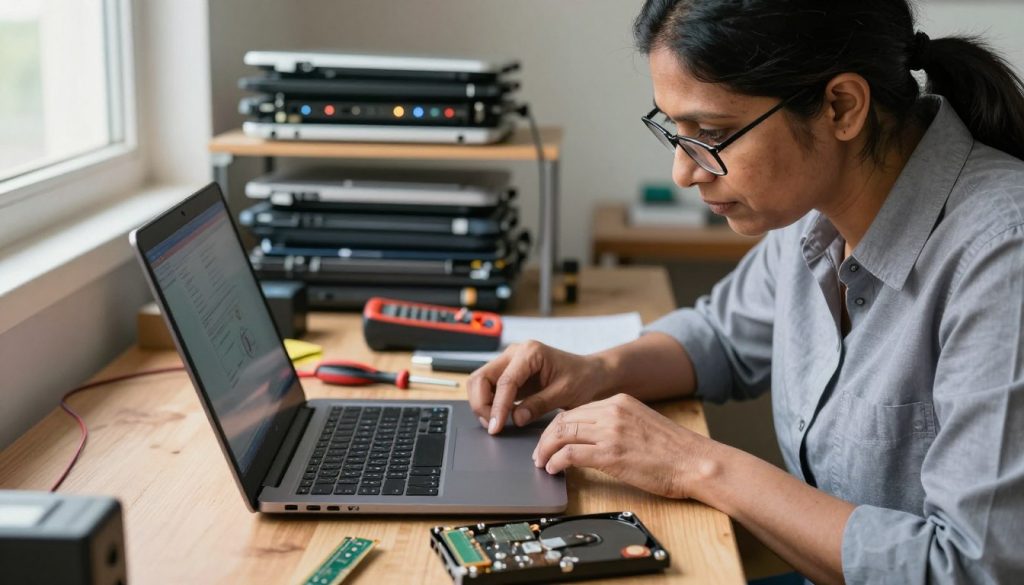
A laptop that still works or can be repaired may be more useful as a reused device than as scrap. Reuse keeps the computer working and can extend its useful life. Choose a route based on condition and whether the device can be securely erased.
An estimated 31 million unwanted laptops sit idle in UK homes. Repair may make one useful again, and charities may refurbish or repair suitable donations. Windows 10 support ended on 14 October 2025, ending security updates and technical support for that operating system; this software issue is separate from whether the hardware still works.
When a Laptop Can Be Reused or Sold
Sell through an online marketplace if the device is in suitable condition. To recycle an old laptop in the UK for cash, compare current offers and terms: the amount depends on its model, condition, and whether it can be reused. The same applies when you recycle old computers for cash; check the condition assessment, payment terms, and postage or return terms.
Charities near you may accept old computers for donation, repair, or refurbishment. Laptop metals and plastics can become medical equipment, bicycles, or new laptops and desktop computers. A working computer may therefore have value beyond its scrap materials.
When a Laptop Is Broken or Cannot Be Erased
Electronics contain valuable metals and hazardous substances, including lead, mercury, cadmium, and beryllium. Proper processing can recover metals and contain hazards; dumping or burning electronics can pollute soil, water, and air.
Dumping or burning electronics can pollute soil, water, and air, so use responsible processing for unwanted equipment.
Recycling can recover useful materials, but a broken device still needs careful handling. If the computer or its drive is dead or has failed, remove the drive and have it physically destroyed before recycling the rest.
Keep a failed drive out of the recycling stream until its data has been physically destroyed.
Conclusion
A safe handoff comes down to protecting your data and choosing a route suited to the laptop’s condition. Start with your files, then decide whether the equipment can be reused, repaired, donated, sold, or recycled.
Working or repairable equipment may have a second use, while recycling keeps electrical waste out of household bins. Make a backup now, then use your UK postcode to check the nearest suitable collection or donation point.

 By
By
 By
By By
By

 By
By